Fix in Chrome:
- 1. Click the 🔒 / ⓘ icon left of the URL bar
- 2. Click “Site settings”
- 3. Set Microphone → Allow
- 4. Close this tab, reopen, and try again
Or open chrome://settings/content/microphone and remove the block for this site.
Buy a home
Find your place with an immersive photo experience and the most listings, including things you won't find anywhere else.
Browse homes
Sell a home
No matter what path you take to sell your home, we can help you navigate a successful sale.
See options
Rent a home
We're creating a seamless online experience – from shopping on the largest rental network, to applying, to paying rent.
Find rentalsNewly Listed Homes
View All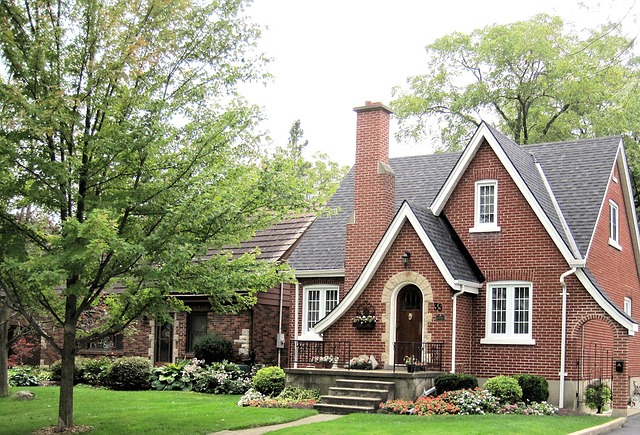
$19,159
RENTAL
5
6.5
8439
6872 Coral Estate, Port of Spain, Port of Spain 00430
Active
Provided by Caribbean Luxury Estates
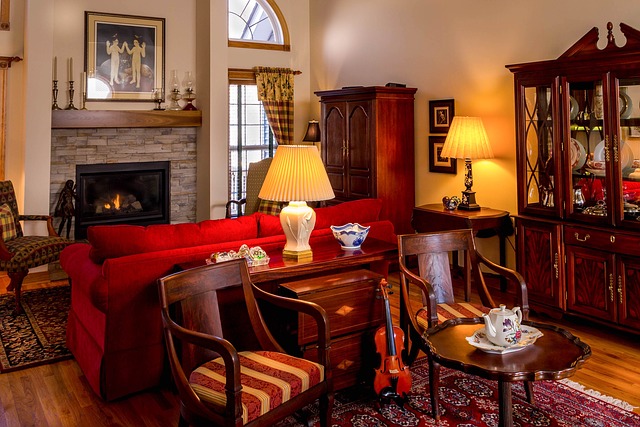
$38,997
RENTAL
5
6.5
4256
7951 Bay Estate, Port of Spain, Port of Spain 00896
Active
Provided by Caribbean Luxury Estates
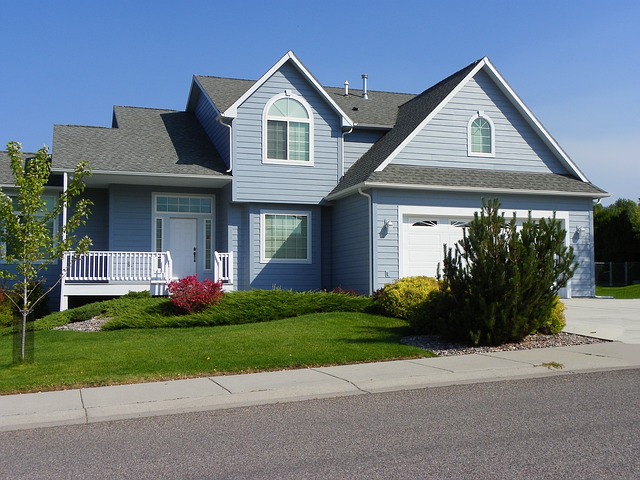
$40,395
RENTAL
4
5.5
8356
6898 Palm Way, Port of Spain, Port of Spain 00665
Active
Provided by Caribbean Luxury Estates
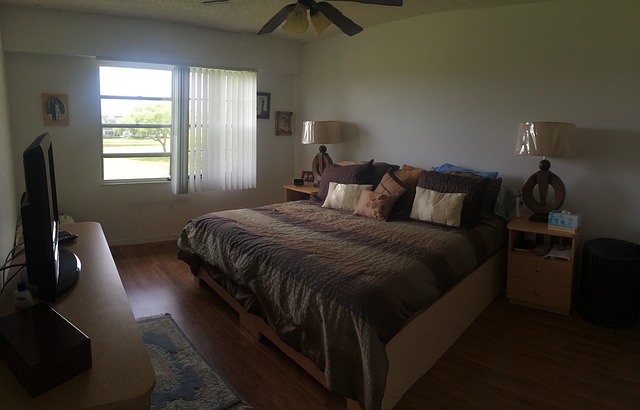
$42,378
RENTAL
7
8.5
12061
1639 Sunset Blvd, Port of Spain, Port of Spain 00337
Active
Provided by Caribbean Luxury Estates